How to book online...
 Click here to print this page
How to book online... |
Click here to print this page |
 . NOTE:- Any lake or open water dives MUST be booked to take place AFTER your pool and theory sessions. If you leave the dates blank (i.e. you do NOT select dates) the system will default to "OPEN DATED". You can then select any dates later using the OPEN DATED eVoucher/Receipt that we will send you by eMail. Most PADI courses involve an element of home study so require the collection of your home study pack. Remember to allow time for your home study prior to your course. When you’re ready to get started, just pop in, with your voucher, and pick up your pack and pay any outstanding course balance.
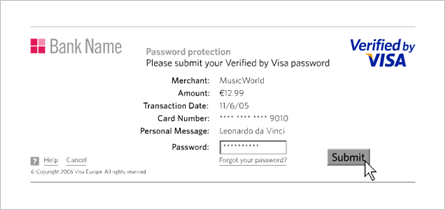
After entering your card details, YOUR BANK will give you the OPTION to provide a password for this, and future online payments, using 3D SECURE™; the internet equivalent of 'Chip & Pin. After entering a password, simply click SUBMIT. If you do not wish to use or register your card for 3D SECURE™, click 'SKIP 3D' and then click 'YES' to navigate away from the page. Your transaction will then be processed without 3D SECURE™